
Supabase Without Fear
Understand the database behind your app and lock it down so each user only sees their own data.
About this course
Who this is for
You built an app, often in Lovable, and it runs on Supabase. You do not write code, and the words "row level security" make you a little nervous. This course is for you. If you can click around a dashboard and copy a prompt, you can do everything here.
What you will do
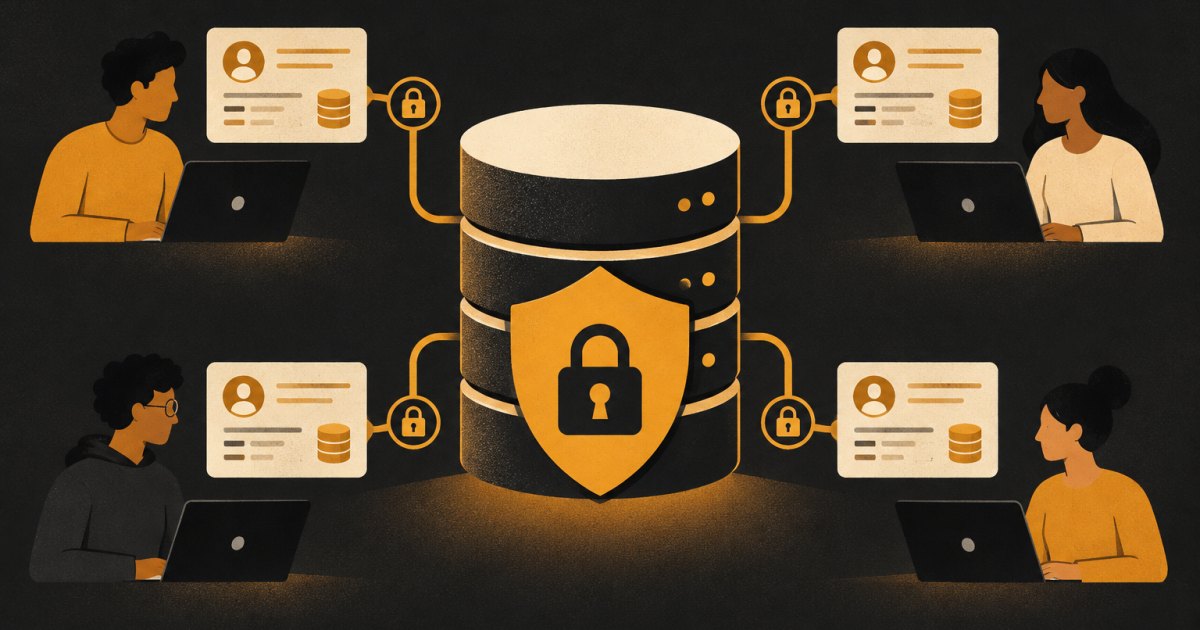
You will learn how your app's data is stored, who your users are to the database, and how row level security decides who can read and change each row. You will write or review policies for reading, adding, editing and deleting, then prove they work by signing in as two different people. You will also sort out which API key is safe in the browser, protect uploaded files, set up backups, and finish with a data-leak checklist you can run on any app.
How it runs
Twelve short lessons in five modules. Some lessons have a short video; every one has written steps with prompts and SQL you can copy, and a two-question check-in. Finish every lesson and you get a certificate.
Have ready
- A laptop or desktop computer
- An app that uses Supabase, or a free Supabase account to practice in
- Access to the builder you used (such as Lovable)
- An AI chat assistant such as Claude or ChatGPT
- Two email addresses you can sign up with, for testing
What you'll be able to do
- Read your tables and spot the owner column that ties each row to a user
- Explain how Supabase Auth and the users table connect to your data
- Turn on row level security and write read, insert, update and delete policies with auth.uid()
- Prove your policies work by signing in as two different users
- Tell which Supabase API key is safe in the browser and which must never be
- Protect uploaded files with storage bucket policies
- Set up backups and run a data-leak checklist with AI before you launch