
Your First Claude Code Project
Install Claude Code, build a small tracker app on your own computer, and learn the safe way to change it.
About this course
Who this is for
You have heard about Claude Code and want to try it, but you have never opened a terminal. That is fine. This course starts at "what is a terminal" and goes one small step at a time.
What you will do
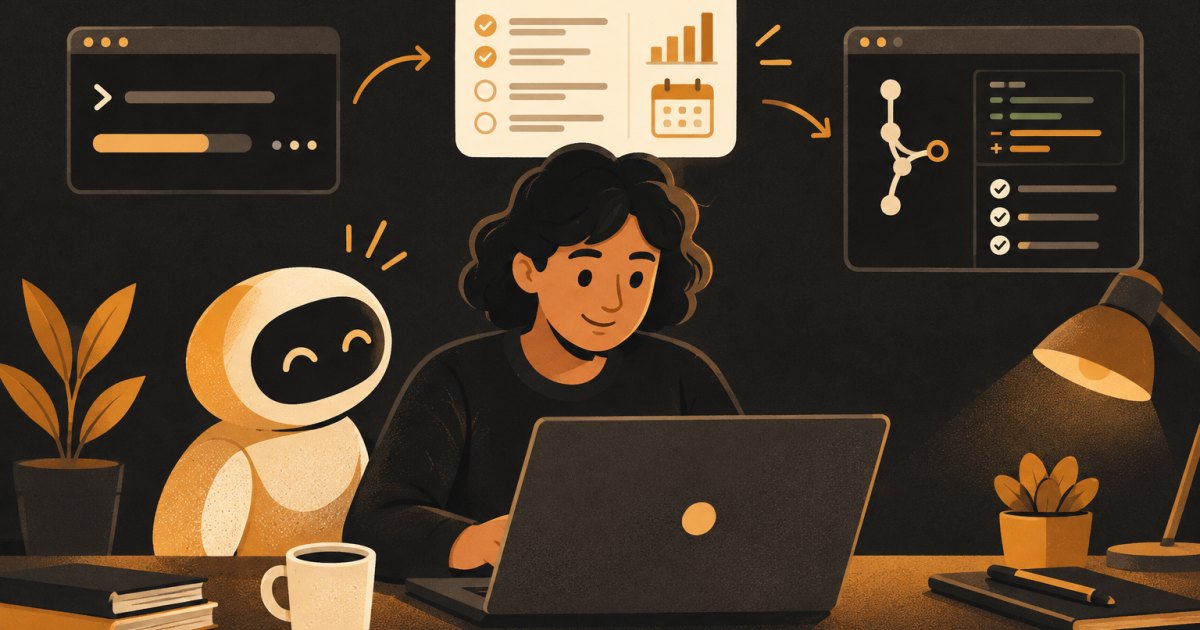
You will install Claude Code, make a project folder, and build a one-page tracker app that runs in your browser. Along the way you will ask for a plan before any code gets written, review and approve each change, save your progress with git, undo mistakes with checkpoints, and write a short CLAUDE.md so Claude remembers how you like to work. You finish knowing your options for putting the app online.
How it runs
Twelve short lessons in five modules. Some lessons have a short video; every one has written steps with commands and prompts you can copy, and a two-question check-in. Finish every lesson and you get a certificate.
Have ready
- A Mac, Windows or Linux computer (a phone or tablet will not work for this one)
- A paid Claude plan that includes Claude Code (Pro, Max, Team or Enterprise) or a Claude Console account. The free Claude plan does not include Claude Code.
- Permission to install software on your computer
- About two hours, in one sitting or two
What you'll be able to do
- Open a terminal and move between folders with a few basic commands
- Install Claude Code, log in, and check that it works
- Ask for a plan first and approve it before any files change
- Review each change Claude proposes and accept or reject it
- Use git commits and Claude Code checkpoints as your undo buttons
- Write a short CLAUDE.md that keeps Claude on track
- Run your app on your own computer and know the options for getting it online