
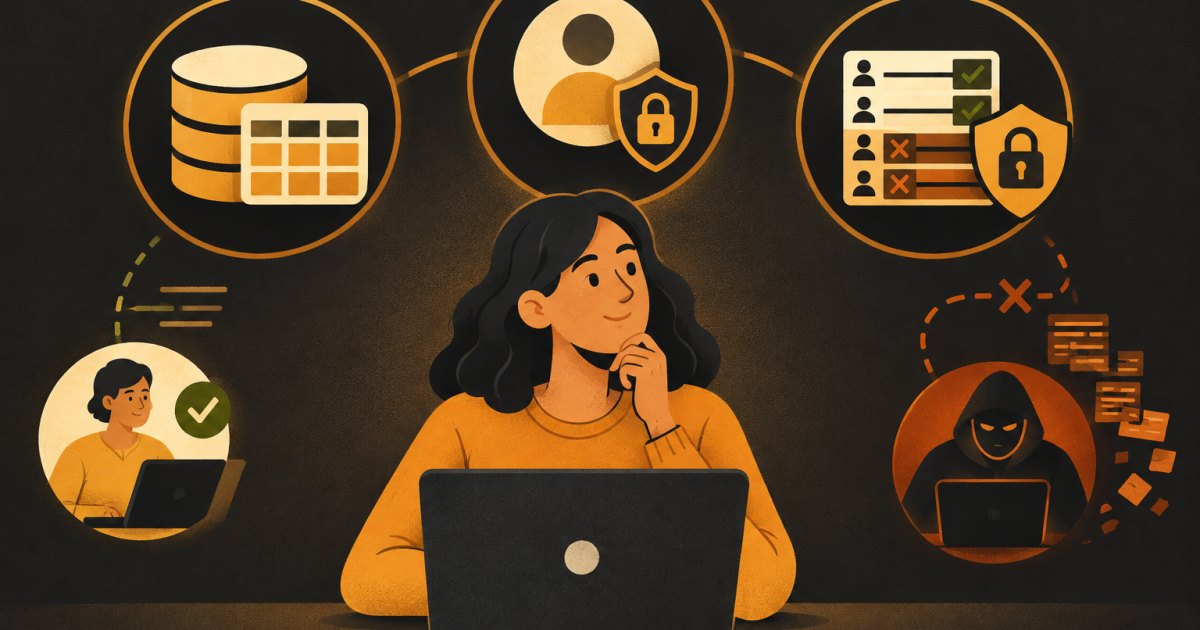
If you built an app with Lovable or a similar tool, there is a good chance Supabase is sitting underneath it. The AI wrote the tables, wired up the login screen and maybe added some security rules. That is great until something breaks, or until a user sees data that belongs to someone else.
You do not need to become a database engineer. You do need to understand three things well enough to check the AI's work: tables, auth and row level security. This post covers each one in the order I teach it.
What Supabase actually is
Supabase is a hosted Postgres database with extra services bolted on: user authentication, file storage, edge functions and an auto-generated API. Postgres is the important part. It is a real, mature database, which means the rules you write are enforced by the database itself, not by your front end.
That last point matters more than anything else in this post. Your app's screens can hide a button, but the database decides who can actually read or change a row.
Tables: where your data lives
A table is a spreadsheet with strict rules. Each column has a name and a type (text, number, date, true/false). Each row is one record. A typical small SaaS app might have tables like profiles, projects and invoices.
Columns every table should have
- id: a unique identifier for the row. Supabase usually uses a UUID.
- created_at: a timestamp set automatically when the row is added.
- user_id (or similar): which user owns this row. This column is what your security rules will check.
If a table holds data that belongs to a specific person or account, it needs an owner column. When I review apps built by AI, a missing or inconsistent owner column is the most common problem I find.
Relationships
Tables connect through foreign keys. A projects table might have a user_id column that points to the users table. An invoices table might have a project_id that points to projects. You do not have to design this perfectly up front, but you should be able to look at the Table Editor and explain in one sentence what each table is for and who owns each row.
Auth: who is this person?
Supabase Auth handles sign up, login, password resets and social logins like Google. When someone signs up, Supabase creates a record in a protected auth.users table that you do not edit directly.
Most apps also create a public profiles table that stores things like display name and plan. The profile row uses the same id as the auth user, so the two line up.
Once a user logs in, every request your app makes to Supabase carries a token that says who they are. Inside the database, you can get that user's id with a function called auth.uid(). That function is the bridge between "who is logged in" and "which rows they can touch."
Row level security: who can see what
Row level security (RLS) is a Postgres feature that filters every query through rules you write. Without it, anyone with your public API key can read every row in a table. With it, the database checks each row against your policies before returning anything.
The keys, and why one of them is public
Supabase gives you two main keys:
- The anon key (sometimes called the publishable key) is meant to live in your front end. It is public. Anyone can open the browser's developer tools and copy it. That is expected, and it is safe only because RLS is doing the protecting.
- The service role key (or secret key) bypasses RLS completely. It can read and write everything. It must never be in browser code, never in a Lovable front-end file and never pasted into a chat with an AI tool that might drop it into client code. It belongs only in server-side code like edge functions, stored as a secret.
If your service role key has ever shipped to the browser, rotate it in the Supabase dashboard today.
Rule one: enable RLS on every table
Every table in the public schema should have RLS turned on. No exceptions for "just a test table." When RLS is enabled and no policies exist, the table returns nothing to the anon key. That is the safe default. You then add policies to open up exactly what each user needs.
alter table public.projects enable row level security;The Supabase dashboard will also warn you about tables without RLS. Treat those warnings as bugs.
Writing your first policies
A policy says: for this table, for this action (select, insert, update, delete), allow it when this condition is true. Here is the standard "users can only see their own rows" setup:
create policy "Users can read own projects"
on public.projects for select
to authenticated
using ( auth.uid() = user_id );

create policy "Users can insert own projects"
on public.projects for insert
to authenticated
with check ( auth.uid() = user_id );

create policy "Users can update own projects"
on public.projects for update
to authenticated
using ( auth.uid() = user_id )
with check ( auth.uid() = user_id );

create policy "Users can delete own projects"
on public.projects for delete
to authenticated
using ( auth.uid() = user_id );
Two parts to understand:
- using decides which existing rows the user can see or act on.
- with check decides what a new or changed row is allowed to look like. Without it on insert, a user could create a row that claims to belong to someone else.
Common RLS mistakes I see in AI-built apps
- A policy of
using (true)on a table with private data. That means "everyone can read everything." It often gets added when the AI is trying to make an error go away. - Policies for select but not update or delete. The app looks fine, but writes fail or, worse, a broad policy elsewhere allows them.
- Using the service role key in the front end to "fix" permission errors. This turns off all security.
- Trusting a user_id sent from the browser instead of comparing against
auth.uid(). The browser can send anything. - Forgetting storage buckets. File storage has its own policies. Private uploads need them too.
How to test your security without writing code
You can check most of this yourself in about 20 minutes:
- Open the Table Editor and confirm every table shows RLS as enabled.
- Open the Policies page and read each policy out loud. If you cannot explain who it lets in, ask your AI tool to explain it, then decide if that is what you want.
- Create two test accounts. Log in as user A, create some data. Log in as user B and confirm none of user A's data appears anywhere.
- Search your front-end code for the words "service_role" and "secret". Nothing sensitive should turn up.
- Ask the AI directly: "List every table, whether RLS is enabled, and every policy in plain English." Compare the answer against the dashboard, not against its own claims.
When a table really should be public
Some data is meant for everyone, like a list of pricing plans or published blog posts. Keep RLS enabled and add a select policy for the anon role that only allows reading. Do not add insert, update or delete policies for anonymous users unless you have a very specific reason.
create policy "Anyone can read published posts"
on public.posts for select
to anon, authenticated
using ( published = true );
What to do next
Pick one table in your app today and walk through it: what is it for, who owns each row, is RLS on, and do the policies match your answer. Then do the next table. Once you have done this a few times, reviewing what the AI builds gets much faster, and you stop shipping data leaks by accident.
If you want a second set of eyes on your Supabase setup, bring it to a 1:1 office hour.
What would have made it better?