
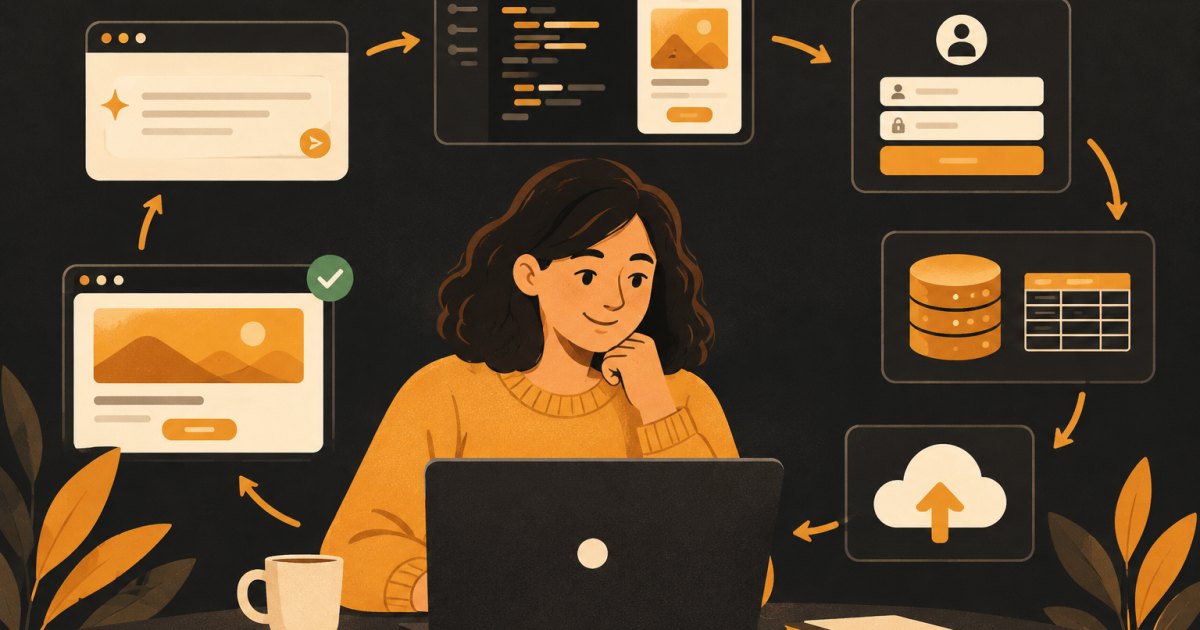
I have built a lot of software with AI tools at this point, and Lovable is still where I send most people for their first app. You type what you want, it writes a real React app, and you can see it running in a preview within a minute or two. That speed is the good news. The bad news is that the same speed lets beginners build a mess very quickly.
This guide is the process I use and teach. It is written for someone who has never shipped software before. You do not need to know how to code. You do need to be specific.
Step 1: Pick an app that is small on purpose
Your first app should do one thing for one type of person. Good first apps look like this:
- A client intake form that saves submissions and shows them in a private list
- A simple habit tracker where each user sees only their own entries
- A booking request page for a small service business
- An internal tool that replaces a spreadsheet you already use
Bad first apps include marketplaces, social networks, and anything with two different user types who interact with each other. Those are fine for app number three. Not app number one.
Step 2: Write a one paragraph brief before you open Lovable
Open a plain text file and answer four questions:
- Who is this for?
- What is the one thing they come to do?
- What information gets saved?
- Who is allowed to see that information?
That last question matters more than people think. It decides how your database security works later, and fixing it after the fact is painful.
Here is an example brief:
A habit tracker for people who want to build one or two daily habits. Users sign up with email, create up to five habits, and check them off each day. Each user only sees their own habits and check-ins. The main screen shows today's habits and a seven day streak for each one.
Step 3: Write your first prompt
Paste your brief into Lovable and add a short note about how it should look. Keep the first prompt focused on layout and the main screen. Do not ask for login, payments, email notifications, and an admin panel all at once.
A first prompt I would actually use:
Build a habit tracker web app. The main screen shows today's habits
as a list with a checkbox next to each one, and a 7 day streak row
under each habit. Add a button to create a new habit (name only).
Clean, simple design, white background, one accent color.
No login yet. Use sample data for now.
Notice the last two lines. I am telling it what not to build yet. That keeps the first version easy to review.
Step 4: Change one thing per prompt
This is the habit that separates people who finish from people who give up. When you ask for five changes in one message, the AI has to touch a lot of files at once, and when something breaks you cannot tell which change caused it.
My rule is one change per prompt, then click around and check it. If it works, move on. If it does not, describe exactly what you see: what you clicked, what you expected, and what happened instead. "It's broken" gives the AI nothing to work with. "When I click Add Habit, the form opens but the Save button does nothing and the habit does not appear" gives it a lot.
Also, Lovable keeps a version history. If a change goes sideways and two follow up prompts do not fix it, restore the last working version and try a different wording. That is usually faster than arguing with it.
Step 5: Connect a real backend
Sample data is fine for layout. To save real information, your app needs a database. Lovable offers a built in backend option and a direct Supabase connection. Both run on Supabase under the hood. If you plan to grow the app or want to manage the database yourself later, I lean toward connecting your own Supabase project so you own it from day one. Check Lovable's current docs, since the setup options change.
Once it is connected, prompt something like:
Replace the sample data with a real database. Create a habits table
(id, user_id, name, created_at) and a checkins table
(id, habit_id, user_id, date). Save new habits and check-ins to the
database.
Step 6: Add login and lock down the data
Next, add email sign up and login. Then add the security rules. In Supabase these are called Row Level Security policies, usually shortened to RLS. They are rules that live in the database and decide which rows each logged in user can read or change.
Prompt it directly:
Add email and password sign up and login. Enable Row Level Security
on habits and checkins so users can only select, insert, update and
delete rows where user_id matches their own user id.
Then test it yourself. Do not skip this:
- Sign up as User A and create two habits.
- Log out, sign up as User B in a private browser window, and create one habit.
- Confirm User B sees only their one habit and User A sees only their two.
If User B can see User A's habits, stop and fix it before you add anything else. This is the most common serious mistake I see in beginner apps.
Step 7: Handle the empty and error states
Most first apps look great with data and look broken without it. Ask for:
- An empty state for a brand new user with zero habits ("Add your first habit")
- A loading state while data is fetched
- A clear error message if saving fails
- A working password reset flow
These are small prompts, and they make the app feel finished.
Step 8: Publish it
Lovable can publish your app to a public URL with one click. Do that early, even before it is perfect, so you can open it on your phone and send it to a friend. If you want your own domain, you can connect one in the project settings. Check current pricing, since custom domains and some features depend on your plan.
Before you send the link to anyone, run through this short checklist:
- Sign up, log out, and log back in works
- Password reset email arrives
- Two separate accounts cannot see each other's data
- The main screen works on a phone
- The page title and favicon are yours, not the defaults
Mistakes I see beginners make
Prompting for the whole app at once
A giant first prompt produces a giant first version that you do not understand. Build in layers.
Not reading what the AI changed
You do not have to understand the code, but read the summary Lovable gives after each change. If it says it modified twelve files to change a button color, that is a signal to slow down.
Burning credits on loops
Each prompt uses credits. If you have sent the same fix request three times, stop. Restore a working version, rethink the request, or ask for help. Check current pricing so you know your monthly limit.
Skipping security because it is "just a test"
Test apps become real apps the moment someone else signs up. Set up RLS from the start.
What to build next
Once your first app is live and you have used it for a week, you will know what is missing. That list is your next set of prompts. Common next steps are adding Stripe payments, sending email notifications, or adding a simple settings page. Take them one at a time, the same way you built the first version.
If you want a structured version of this with feedback along the way, the Ship Your First App with Lovable course walks through it start to finish.
What would have made it better?